Golf simulator software compared
GSPro, E6 Connect, Awesome Golf, TGC 2019, and manufacturer apps compared on price, courses, PC requirements, and offline play.
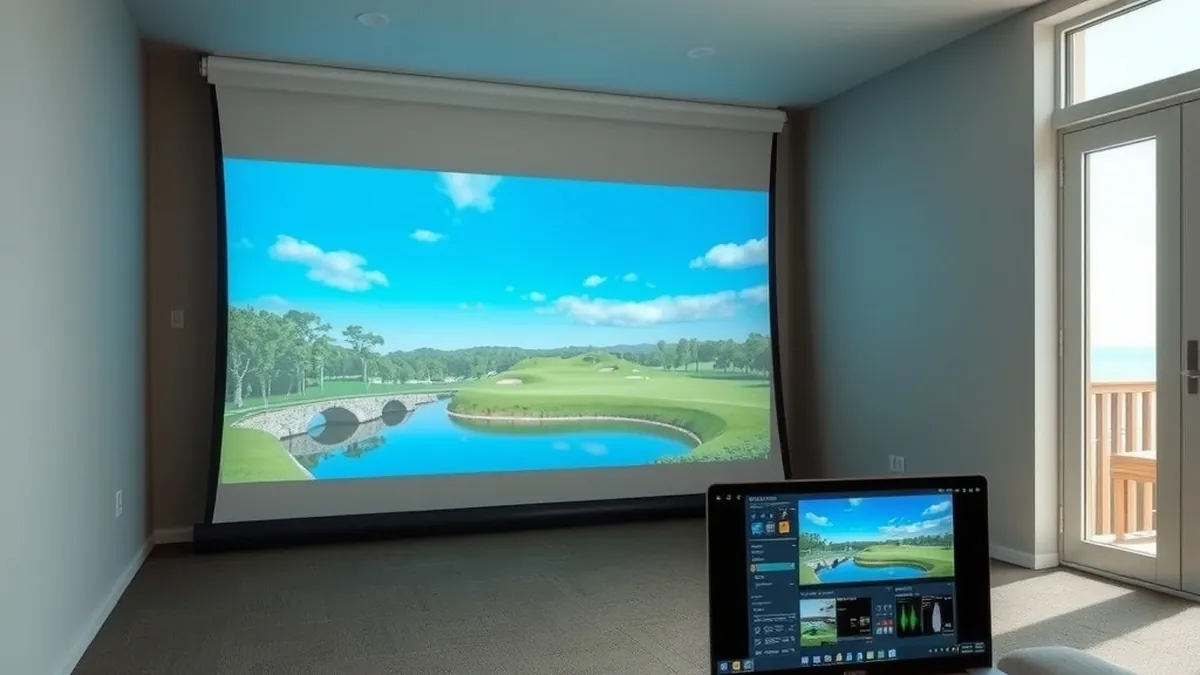
GSPro is the best value on a gaming PC at $250 a year with 2,500+ courses. E6 Connect is the polished, tiered option; Awesome Golf is practice-first; TGC 2019 is a one-time license; manufacturer apps are cheapest.
- Best value
- GSPro, $250/yr
- Biggest course library
- TGC 2019, tens of thousands
- Lowest PC demand
- Manufacturer apps
- Typical PC cost
- $900–$1,800
Some links on this page are affiliate links.If you buy through them we may earn a commission at no extra cost to you. We do not accept payment for rankings. Read the full disclosure.
Software is where a simulator stops being a launch monitor and becomes a place you spend three hours on a Tuesday. The packages below cover most home builds, and they differ less on graphics than on how they charge you.
Golf simulator software is the program that turns launch monitor data into a rendered ball flight, a course, and a score. The monitor supplies speed, launch angle, and spin; the software decides what the shot looks like and what it is worth.
The four software families
Almost every option fits one of four boxes. Community PC simulators like GSPro and TGC 2019 run on Windows and lean on user-built courses. Brand-agnostic subscriptions like E6 Connect sell tiers that work across many monitors. Practice apps like Awesome Golf lead with range modes and games. Manufacturer software ships with a device and is tuned to it.
Knowing which box you are shopping in matters more than comparing screenshots. A $250 community sim and a $600 tiered subscription are not competing for the same buyer.
Course libraries: count vs quality
GSPro advertises more than 2,500 community-created courses, most built from lidar data with its course designer. TGC 2019’s library runs into the tens of thousands, accumulated over years. E6 Connect offers a curated set that depends on tier, and Awesome Golf keeps a small library and puts its effort into practice modes.
Course count is a marketing number. The useful questions are narrower: can you play the course you actually want, does it load in under a minute, and does the physics hold up when you miss the center of the face. A library of 30,000 courses with a decade-old renderer is not automatically better than 2,500 that look current.
Graphics requirements and the PC you already own
GSPro is explicit about hardware. Its published minimum for 1080p is an RTX 3060, 16 GB of RAM, and 10 GB of free disk space. A good 1080p experience calls for an RTX 3070 or 3060 Ti; 4K calls for an RTX 3080 and 32 GB.
That is a $900 to $1,800 desktop if you do not already own one, and it is the cost most software comparisons leave out. A laptop can work, but thin chassis throttle under a sustained 4K render, and the projector cable run is easier from a desktop that stays in the bay.
E6 and TGC have lower hardware requirements because their engines are older. Awesome Golf runs comfortably on a tablet, which is why it shows up in garages where nobody wants a PC.
Price and billing compared
List prices seen at vendors in late 2026. They change, and tiers move; use the table for structure, not as a quote.
| Software | List price | Course library | Billing | PC needs |
|---|---|---|---|---|
| GSPro | $250/yr | 2,500+ community | Annual only | Windows 10/11, RTX 3060 min |
| E6 Connect | ≈$300–$600/yr | Dozens, by tier | Annual tiers | Windows PC, mid-range GPU |
| Awesome Golf | ≈$100–$150/yr | Small, practice-led | Annual or monthly | Tablet or PC |
| TGC 2019 | ≈$1,000 one-time | Tens of thousands | One-time license | Windows, older engine |
| Manufacturer app | $0–$500/yr | 10–40 typical | Free tier or annual | Phone, tablet, or PC |
TGC’s one-time $1,000 is roughly four years of GSPro at $250, and it never renews. That is the honest comparison: a modest saving over a long horizon, in exchange for an older engine. The subscription packages look expensive until you divide by the number of sessions in a winter.
Offline mode and internet dependence
Assume you need a connection. Most licenses check online at launch, and GSPro’s FAQ lists a stable internet connection as a system requirement alongside the GPU. A garage at the back of the lot is exactly where Wi-Fi dies.
Fix the network before you fix the software. A wired access point or a mesh node at the bay costs $80 to $200 and removes a whole category of evening. If offline play is non-negotiable, ask the vendor in writing before you buy; do not infer it from a forum post.
Multiplayer and leagues
GSPro supports up to eight players locally or online, with stroke, scramble, stableford, match play, best ball, and alternate shot. That is the most flexible setup in the group and the reason league nights gravitate to it.
E6 Connect runs clubhouses and leagues through its portal, which suits a group that wants scheduled events rather than a one-off round. Awesome Golf’s multiplayer is local and game-oriented. Manufacturer apps usually cap out at one or two players.
What manufacturer software does differently
Manufacturer software is the path of least resistance: it ships with the monitor, the graphics are tuned to the device, and setup is a cable and a login. The trade is lock-in and, sometimes, a subscription you did not expect.
The clearest example is in GSPro’s own compatibility notes. Bushnell Launch Pro owners must hold a GOLD subscription before GSPro will connect. Foresight GC3, GCQuad, and GCHawk owners must own FSX 2020 or FSX Play. Uneekor requires a Pro Package. SkyTrak is not officially supported at all.
That does not make any of those devices bad buys. It means the software decision happens before the monitor decision, not after. Our subscription cost guide adds up what the recurring bills look like over three years, and the total cost breakdown shows how software compares with the screen, mat, and projector. If you are still choosing hardware, start with the launch monitor guide; it lists which devices have the cleanest software paths.
The short version
If you own a gaming PC and want the widest course library per dollar, GSPro at $250 a year is the default. If you want polished presentation and scheduled leagues, price E6 Connect by tier. If you want practice modes and no PC, Awesome Golf. If you want to pay once and never again, TGC 2019 — with the understanding that you are buying an older engine.
Frequently asked questions
What software do most home golf simulators use?
GSPro is the most common third-party choice for home builds with a gaming PC, largely because of its course library and $250 annual price. Owners of SkyTrak, Garmin, and Bushnell hardware often start with the manufacturer app and move to GSPro later.
Does GSPro work with every launch monitor?
No. GSPro publishes a supported-device list, and some devices have prerequisites: Bushnell Launch Pro requires a GOLD subscription, Foresight GC3 and GCQuad require FSX 2020 or FSX Play, and Uneekor requires a Pro Package. SkyTrak is not on the official list.
Is TGC 2019 still worth buying?
It depends on your priority. TGC 2019 offers a one-time license and a huge user course library, but the engine is older and the interface shows it. If you want current graphics and active updates, a subscription package is the safer buy.
Can I run simulator software offline?
Rarely for long. Most packages check a license online at launch, and GSPro's own FAQ lists a stable internet connection as a requirement. If your garage has weak Wi-Fi, budget for a mesh node or a wired access point before you buy a license.
How much computer do I need for a golf simulator?
GSPro lists an RTX 3060 as the minimum for 1080p, an RTX 3070 or 3060 Ti for a good 1080p experience, and an RTX 3080 with 32 GB of RAM for 4K. Budget $900 to $1,800 for a desktop that meets those specs.
Do simulator subscriptions include new courses?
Some do and some do not. GSPro includes access to its community course server with an active subscription. E6 Connect ties course access to the tier you buy. Manufacturer apps usually include a fixed set, with extra courses sold separately.
Sources
Some links are affiliate links.If you buy through them we may earn a commission at no extra cost to you. We do not accept payment for rankings. Read the full disclosure.