Golf simulator installation cost
What pro installers charge for a home golf simulator: electrical, mounting, screen assembly, calibration, and PC setup, with DIY trade-offs.
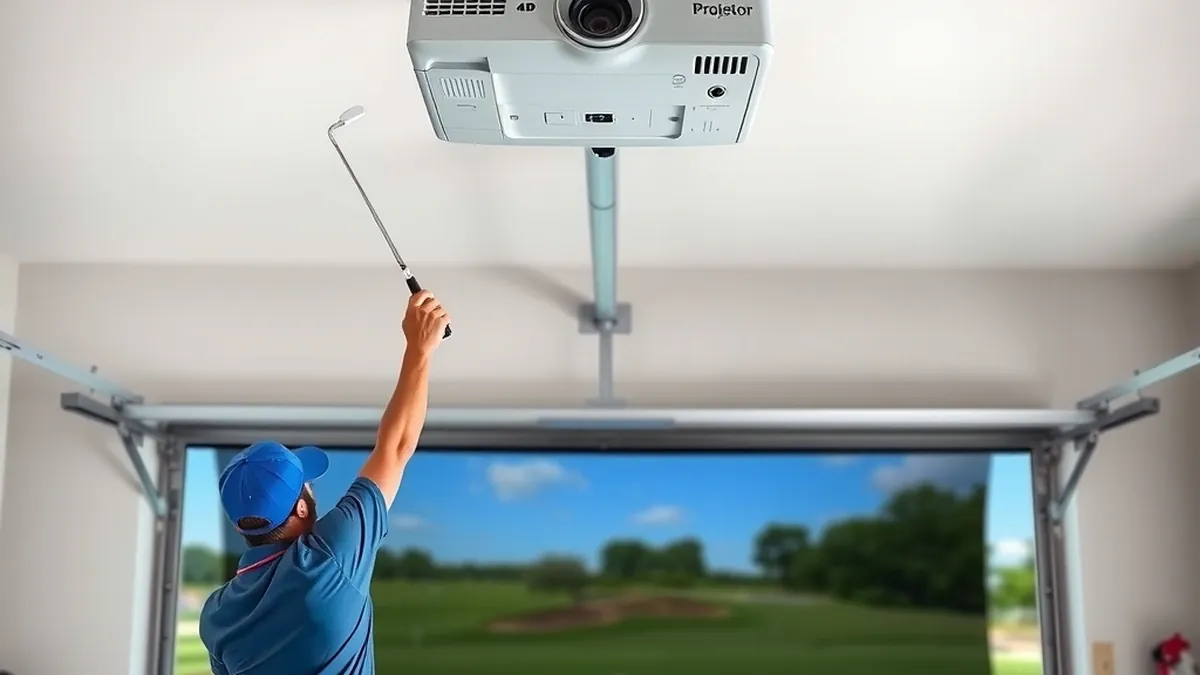
Professional installation adds $2,500–$6,500 to a home simulator's hardware cost, covering electrical, mounting, screen assembly, calibration, and PC setup. A garage bay takes one to three days.
- Typical labor
- $2,500–$6,500
- With enclosure
- $5,000–$10,000
- Labor rate
- $75–$150 per hour
- Timeline
- 1–3 days for a pro crew
Some links on this page are affiliate links.If you buy through them we may earn a commission at no extra cost to you. We do not accept payment for rankings. Read the full disclosure.
Installation usually adds $2,500–$6,500 to the price of a home golf simulator, and a full enclosure with new electrical can push it to $10,000. The hardware is the visible cost; the labor is what turns a pile of boxes into a bay that reads a shot correctly.
Installation is the labor and materials required to mount, connect, and calibrate the hardware, separate from the launch monitor, projector, screen, and software themselves.
What installation includes
A complete install covers five work streams: electrical, structure, screen and enclosure assembly, projector mounting and calibration, and computer and network setup. Some installers handle all five. Others subcontract the electrical and expect you to manage the PC.
Get a scope sheet before you compare quotes. Two bids that differ by $2,000 often differ in whether they include the dedicated circuit, the ceiling mount, or calibration. The cheapest quote may simply exclude the work you thought was included.
A typical pro install includes unpacking, mounting the screen and frame, hanging the projector, running low-voltage cable, connecting the launch monitor, installing software, and a test session. Drywall repair, painting, and trim are often extra.
Professional versus DIY
The labor math is straightforward. If a pro crew charges $110 per hour and the job takes 24 hours, that is $2,640. Add $450 in materials and you are near $3,100. Doing it yourself saves the labor but consumes two to four weekends, and some of that work is not beginner-friendly.
The tasks that go wrong in DIY builds are predictable: screen tension, projector geometry, and electrical. A screen that is not square shows wrinkles that no amount of software fixes. A projector mounted off-center needs lens shift or keystone, and keystone costs resolution.
The tasks that go fine in DIY builds are the mat, the turf, the trim, the shelving, and the PC. If you are handy and patient, that split is the sensible division of labor.
Electrical and circuit work
A simulator needs a dedicated circuit for the projector, PC, monitor, and launch monitor, and often a second circuit for lighting or a heater. A new 20-amp circuit runs $400–$900 depending on panel distance and wall access. A subpanel runs $1,200–$2,500.
Permits and inspection add $100–$300 in many jurisdictions. The work must follow the local adoption of NFPA 70, the National Electrical Code, and a licensed electrician should sign it off. Do not run a projector and a space heater on the same undersized circuit.
If the panel is full, the electrical scope grows quickly. A panel upgrade can add $2,000–$4,000 before any simulator work starts. Check the panel before you buy hardware; it is the least exciting line item and the most common surprise.
Screen, frame, and enclosure assembly
A retractable or fixed screen with a frame is a two-person job. Expect 4–8 hours for a typical 10 × 8 ft screen, including anchoring, tensioning, and adjusting the bottom edge. Labor runs $400–$1,200.
A full enclosure with side walls, a ceiling baffle, and a valance takes one to two days and costs $1,000–$3,000 in labor, depending on the framing system. The enclosure guide covers the parts and the clearance you need before the crew arrives.
Screen assembly is where cheap installs show. The frame must be square, the screen must be tensioned evenly, and the bottom must not touch the floor. A wrinkle at eye level is distracting on every shot, and it is difficult to fix after the frame is anchored.
Projector mounting and calibration
Projector work is a small line item with a large effect on the image. A ceiling mount, lens shift, focus, and geometry check usually runs $300–$800 as part of an install. A full color and brightness calibration runs $250–$600, and a difficult room can reach $1,000.
The mount must be solid. A projector that vibrates when the ball hits the screen will blur the image on every impact. Use a mount rated for the projector’s weight, anchor it into structure rather than drywall alone, and leave room for airflow.
Calibration should happen after the screen is stretched and the room lighting is set. Calibrating before the screen settles wastes the work. If you are installing a new projector, confirm the throw distance and screen size in the projector guide first.
PC, software, and network setup
The computer, software, and network are usually a half-day task. Expect 2–4 hours at $150–$500 for a pro to install Windows updates, the simulation software, the launch monitor driver, and the course library, then confirm that shots register.
Network setup matters for subscriptions and updates. A wired connection is more reliable than Wi-Fi in a garage, especially if the bay is detached. If the installer runs cable, that is a separate low-voltage line item, typically $150–$400.
Software licenses are not installation. A simulation package can cost $500–$2,000 up front or $100–$300 a year, and the installer does not usually include it in the labor quote.
Labor rates and timeline
| Task | Who does it | Typical hours | Typical cost |
|---|---|---|---|
| Dedicated 20A circuit | Licensed electrician | 3–6 | $400–$900 |
| Screen and frame assembly | Installer, 2 people | 4–8 | $400–$1,200 |
| Enclosure and side walls | Installer, 2 people | 8–16 | $1,000–$3,000 |
| Projector mount and setup | Installer or AV tech | 2–4 | $300–$800 |
| Projector calibration | AV specialist | 2–3 | $250–$600 |
| PC build and software | Installer or IT tech | 2–4 | $150–$500 |
| Mat, turf, and trim | Installer | 3–5 | $200–$600 |
Labor rates vary by market. A general handyman is $75–$110 per hour, a two-person installer crew is $150–$250 per hour, and an AV specialist or licensed electrician is $100–$150 per hour. Travel charges apply outside metro areas.
A realistic schedule for a garage bay is one day for the screen and projector, one day for the enclosure and electrical, and a half day for the PC and calibration. Order the hardware early; backordered screens and projectors are the usual reason an install slips.
Hidden costs
The quote rarely includes everything. Drywall repair and paint after cable runs add $300–$1,000. A ceiling access panel or a new outlet near the projector adds $200–$500. Disposal of packaging and old shelving is often billed hourly.
Shipping and delivery are separate for large screens and enclosures, and some carriers will not move a crate into a garage. A lift rental for a heavy enclosure adds $150–$300. If the ceiling needs a structural repair before mounting, that is a framing contractor, not an installer.
Add a 10–15 percent contingency. On a $3,000 install, that is $300–$450, which covers the extra outlet, the second tube of caulk, and the unexpected trip to the hardware store.
The short version
Budget $2,500–$6,500 for professional installation, or $5,000–$10,000 with a full enclosure and new electrical. The cost guide shows how installation fits into the total project, and the room dimensions guide helps you confirm the bay before anyone drills a hole. If the work involves a new circuit, a subpanel, or structural changes, hire the licensed trade and pull the permit.
Frequently asked questions
How much does it cost to install a golf simulator?
Plan on $2,500–$6,500 in labor and installation materials for a typical garage bay, on top of the hardware. A full enclosure, new electrical, and professional projector calibration push the total toward $10,000.
Can I install a golf simulator myself?
You can hang the screen, build the frame, lay the mat, and set up the software. Leave new electrical circuits to a licensed electrician, and leave structural changes and gas appliance work to the trades. DIY saves roughly 30–50 percent of the install cost but takes two to four weekends.
How long does a professional install take?
A simple screen, projector, and launch monitor install is usually one long day. A full enclosure with electrical, trim, and calibration runs two to three days. Custom cabinetry, ceiling work, or a new circuit can stretch the schedule.
Does installation include the launch monitor and software?
Usually only the setup, not the hardware or subscription. Installers will mount the unit, connect it to the PC, update firmware, and confirm that it reads shots, but the monitor, software license, and gaming PC are separate line items.
Do I need a permit for a simulator install?
A permit is usually required for new electrical circuits, structural changes, or a new subpanel. Purely cosmetic work such as hanging a screen or mounting a projector typically does not need one. Check with your local building department before work starts.
What does projector calibration cost?
Basic mounting, focus, and geometry setup is often bundled into the install. A full calibration with color and brightness adjustment runs $250–$600, and a specialist calibration in a difficult room can reach $1,000.
Sources
Some links are affiliate links.If you buy through them we may earn a commission at no extra cost to you. We do not accept payment for rankings. Read the full disclosure.