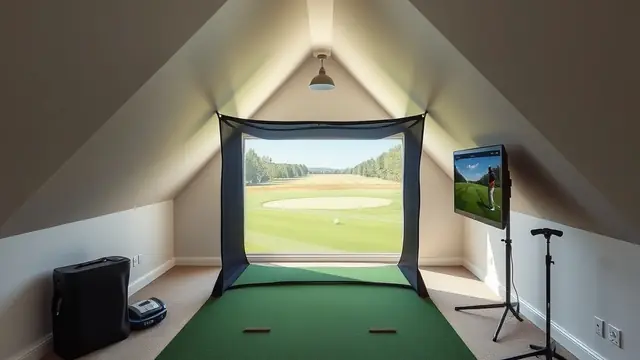
Golf Simulator Portable Setup Guide for Small Rooms
Learn how to set up a portable golf simulator in a small room, with space requirements, hardware options, and cost estimates.
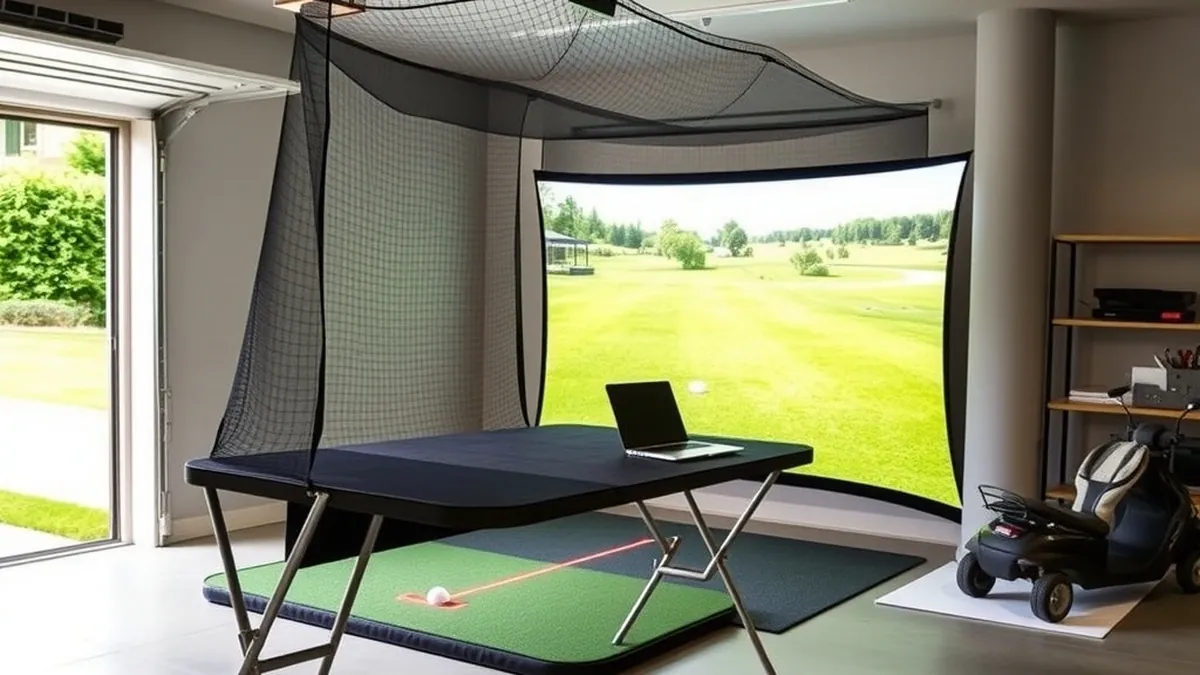
A portable golf simulator setup fits in a garage, basement, or spare room using a roll-up mat, net or screen, and a launch monitor, typically costing between $1,000 and $8,000.
- Minimum room width
- 10 ft
- Minimum room depth
- 12 ft
- Minimum ceiling height
- 9 ft
- Typical budget range
- $1,000–$8,000
- Setup time
- 30–60 minutes
Some links on this page are affiliate links.If you buy through them we may earn a commission at no extra cost to you. We do not accept payment for rankings. Read the full disclosure.
A golf simulator portable setup lets you practice at home without building a permanent enclosure. You can assemble the components in a garage, basement, or spare room, then take them down when you need the space back. This guide covers room measurements, hardware choices, and realistic costs so you can decide if a portable system fits your home.
Room Measurements Come First
Before buying any hardware, measure the space where you plan to set up. Room dimensions determine what you can swing safely and what equipment will fit.
Start with width. You need at least 10 feet of clear width to accommodate a right-handed or left-handed swing without hitting walls. Twelve to fourteen feet is more comfortable, especially if two golfers of different handedness will use the space.
Next, measure depth. A portable setup usually requires 10 to 12 feet from the hitting mat to the screen or net, plus room behind you for your backswing. If you plan to use a projector and impact screen, add extra distance so the image fills the screen without distortion.
Ceiling height matters most. Nine feet is the practical minimum for most adult golfers, but ten feet or more is safer if you carry a driver. Take a practice swing with your longest club in the room before you buy anything. If the club head comes close to the ceiling, the room is not suitable.
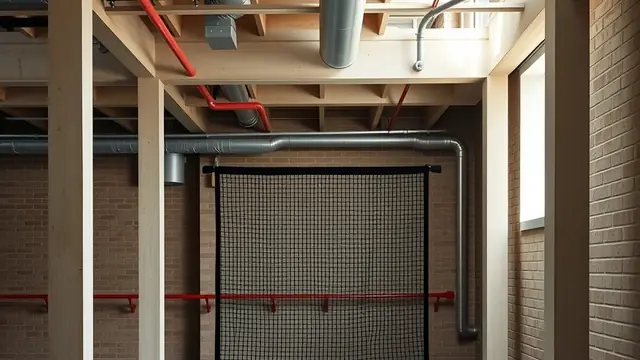
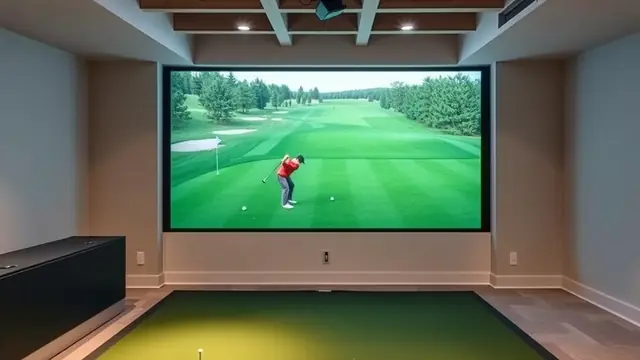
Garages often work well because they offer depth and width, but check the door track, opener, and any ceiling-mounted storage. Basements can work too, but low ceiling beams or support columns may limit your swing. For more on basement constraints, see our guide on golf simulator basement setups.
Core Hardware for a Portable System
A portable golf simulator consists of four main pieces: a hitting mat, a net or impact screen, a launch monitor, and a device to run the software.
The hitting mat is your tee box. Portable mats range from small 4-by-5-foot hitting strips to larger 5-by-7-foot surfaces that include a putting area. Look for a mat with a rubber base that will not slide on concrete or wood floors.
If you only want ball data, a hitting net is enough. Nets are lightweight, foldable, and usually cost less than screens. If you want to see a virtual course, you need an impact screen and a projector. The screen mounts on a portable frame or hangs from a temporary rig, and the projector sits on a stand or table behind the hitting area.
The launch monitor tracks ball flight and club data. Portable units are battery-powered or use USB power, making them easy to move. For software, you will need a laptop, tablet, or streaming device. Some launch monitors pair with their own apps, while others connect to third-party simulation platforms.
If you are comparing launch monitors, our best launch monitor page breaks down options by price and use case.
Portable Setup Cost Breakdown
Costs vary widely based on whether you choose a net or screen, and which launch monitor you buy. These figures are estimates based on current market pricing, not quotes from a specific retailer.
Entry-level portable setup:
- Hitting mat: $200–$400
- Hitting net: $150–$300
- Launch monitor: $500–$700
- Tablet or used laptop: $300–$500
- Total estimate: $1,150–$1,900
Mid-range portable setup with screen:
- Hitting mat: $300–$500
- Portable impact screen and frame: $800–$1,500
- Projector: $400–$800
- Launch monitor: $2,000–$3,000
- Laptop: $600–$1,000
- Total estimate: $4,100–$6,800
If you already own a laptop or tablet, subtract that cost. If you need a carrying case for the mat and net, add $50 to $150. For broader pricing context, see our golf simulator cost article.
Weight and Floor Load Considerations
Portable gear is lighter than a permanent enclosure, but it still adds up. A typical hitting mat weighs 40 to 80 pounds. A portable net frame weighs 20 to 40 pounds. An impact screen with frame can weigh 50 to 100 pounds. A laptop and projector add another 10 to 20 pounds.
If you store the setup in a garage or upstairs room, make sure the floor can handle the concentrated weight of the screen frame legs. Most residential floors handle this without issue, but avoid placing heavy frame legs on weak spots or unsupported drywall.
When moving equipment, use a hand truck or dolly for the screen frame and mat. Rolling a 100-pound frame across concrete is easier than carrying it, and it reduces the risk of dropping hardware on your foot.
Setting Up and Tearing Down
A portable setup should take 30 to 60 minutes to assemble and roughly the same time to pack away. Start by laying out the hitting mat and marking the hitting position. Place the launch monitor according to the manufacturer’s instructions—some units sit behind the ball, while others go to the side.
If you use a net, anchor it or weigh down the base so it does not tip when a ball strikes it. If you use a screen, assemble the frame, hang the screen, and tension it so balls do not bounce back unpredictably. Position the projector so the image is centered and bright enough to see in your room’s lighting.
When you are done, deflate or collapse the net, roll the mat, and store the launch monitor in its case. Keep cables coiled and labeled so setup is faster next time.
Software and Connectivity
Most launch monitors connect to a phone, tablet, or laptop via Wi-Fi or Bluetooth. Make sure your chosen device meets the software’s minimum requirements before you buy. If your garage or basement has weak Wi-Fi, use a phone hotspot or run an Ethernet cable if possible.
Some simulation software requires a subscription for course access or online play, while others include a limited course library with the hardware purchase. Check whether the launch monitor you are considering requires an ongoing fee for the features you want.
For buyers focused on value under $10,000, our best golf simulator under 10000 page compares packages that balance portability and performance.
Permanent vs. Portable Trade-Offs
A portable setup sacrifices some convenience for flexibility. You will set up and take down equipment each time, which can discourage quick practice sessions. A permanent enclosure stays ready at all times but costs more and consumes space full-time.
Portable nets also lack the visual feedback of a screen. You will see ball flight data on a device, but you will not watch the ball travel toward a virtual green. If seeing shot shape and trajectory on a display matters to you, budget for a screen and projector.
Ceiling height rules apply to both options. If your room cannot clear a driver swing, neither a portable net nor a permanent enclosure fixes that problem. Measure first, then buy hardware.
A golf simulator portable setup works best when you start with room measurements, choose hardware that matches your space, and budget realistically for mats, nets or screens, launch monitors, and devices. Whether you practice in a garage or spare room, the ability to pack everything away makes indoor golf possible without dedicating a room full-time.
Frequently asked questions
What is a portable golf simulator setup?
A portable setup uses a hitting mat, net or screen, and a launch monitor that can be moved and stored when not in use, unlike a permanent enclosure.
How much space do I need?
Plan for at least 10 feet of width, 12 feet of depth, and 9 feet of ceiling height, though more is safer for a full swing.
Can I use a portable setup in a garage?
Yes, many golfers use garages, provided the door opening and ceiling height clear your club during the backswing and follow-through.
What launch monitor works best for portable use?
Look for a lightweight, battery-capable unit with indoor accuracy; the Garmin Approach R10 is a common portable option.
Do I need an impact screen?
No, a hitting net works for ball flight data, but an impact screen is required if you want to view simulator software visuals.
How much does a portable setup cost?
Entry-level packages start around $1,000, while mid-range systems with a screen and premium launch monitor can reach $5,000 to $8,000.
Sources
Some links are affiliate links.If you buy through them we may earn a commission at no extra cost to you. We do not accept payment for rankings. Read the full disclosure.