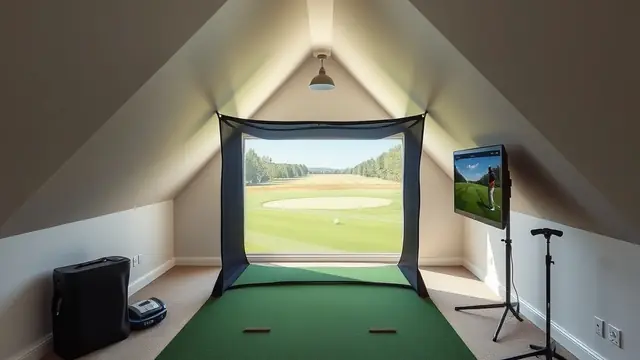
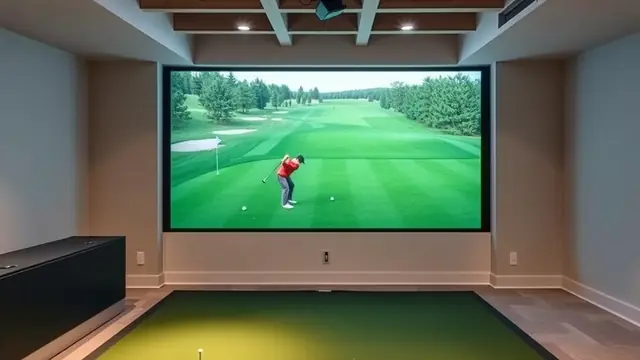
Left-handed golf simulator setup
Monitor placement, mat orientation, screen offset, and software settings for a left-handed golf simulator, plus a shared-bay checklist.
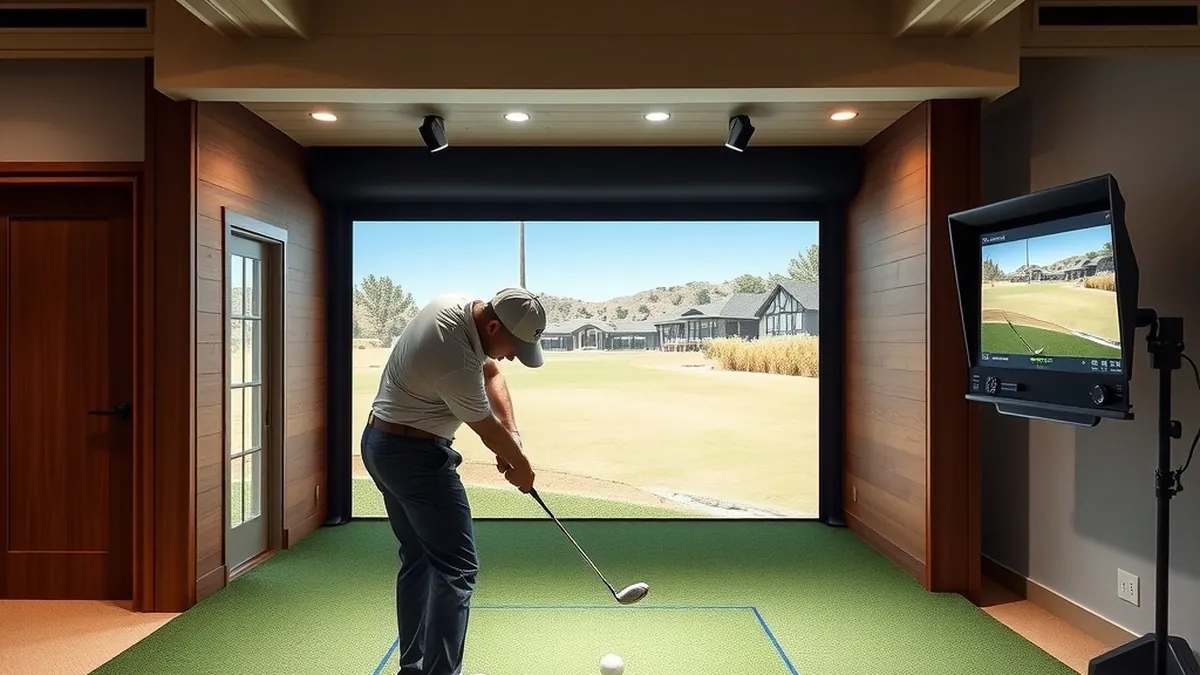
Most left-handed simulator problems come from hardware placement, not software. Radar and overhead cameras are handedness-neutral; side and front cameras must be mirrored, and handedness is set before calibration.
- Easiest technology
- Radar or overhead camera
- Hardest to share
- Front-of-ball camera
- Shared bay width
- 12 ft or more
- Software setting
- Set before calibration
Some links on this page are affiliate links.If you buy through them we may earn a commission at no extra cost to you. We do not accept payment for rankings. Read the full disclosure.
Somewhere between 5 and 10 percent of golfers play left-handed, but almost every demo bay you have stood in was built for the other 90-odd percent. The fix is rarely a different monitor; it is placing the one you own correctly and telling the software which side you stand on.
A left-handed golf simulator is the same set of parts as any other bay, arranged in mirror image: monitor offset to the other side, ball line shifted on the mat, and handedness set in software before calibration.
Why simulators default to right-handed
Demo bays are built for the majority because a bay has one hitting strip and one monitor position, and duplicating both costs money. Kits ship with the strip cut for a right-handed stance, and installers center the projector on the assumption that the player stands on the right.
The bias is structural, not malicious. It shows up in small ways: a net panel that is closer on one side, a monitor shelf drilled on the right, a screen image offset half a foot toward the right edge.
Monitor placement by technology
The technology decides how much work a lefty creates.
Radar behind the ball. Radar sees the club and ball from behind, so the stance does not matter physically. TrackMan, Garmin, and FlightScope units sit on the target line and work for either hand once the session is set to left-handed.
Overhead camera. Units mounted above the ball look down and see the same geometry either way. Uneekor’s ceiling units are the clearest example: no relocation, only a software setting.
Side-mounted camera. A unit sitting beside the ball at address has to move to the mirrored side. SkyTrak and similar units fall here.
Front-of-ball camera. Foresight GC3, GCQuad, and the Bushnell Launch Pro sit in front of the player and offset to one side. For a left-hander the unit moves to the other side of the ball and gets re-aimed. The software setting alone is not enough.
If you are buying new hardware for a left-handed bay, weight radar and overhead systems higher. Our launch monitor guide lists which units are handedness-neutral and which need repositioning.
Mat orientation and the stance cut
A right-handed mat puts the hitting strip on the left side of the stance platform, because the ball sits left of the player’s feet. Flip the player and the strip belongs on the right.
Most mats with a centered strip are fine either way. Problems appear with mats that have a shaped stance cut, a pre-marked ball line, or a narrow platform. A 4 by 5 foot mat built for a right-hander leaves a left-hander standing at the edge with one foot off the platform.
Measure from the strip center to the mat edge on both sides. You want at least 3 feet of stance surface on the side you stand on, plus room for a full follow-through. If the mat is asymmetric, rotate it rather than cutting a new stance.
Screen offset and bay centering
Center the ball line on the screen, not the mat. This is the single most common lefty layout error, because the mat and the screen get installed on different days.
In a 10 foot wide bay with an 8 foot wide image, you have 1 foot of margin on each side. If the ball line sits 6 inches right of screen center, the target on screen is not where the bay says it is, and you will adjust your aim without noticing.
Set the projector after the ball line is final. Use the image’s center mark, not the screen frame, and check it from both a right- and left-handed stance. The room dimensions guide has the bay widths that leave room for this adjustment.
Software handedness settings
Every mainstream package has the setting, and it is usually buried. GSPro, E6 Connect, and most manufacturer apps let you choose the player’s handedness per profile.
Set it before you calibrate. Handedness changes the rendered avatar, the aim line, and in some packages the way side spin is displayed. Calibrate first and you will spend an evening chasing a shot shape that is not real.
If the shot still renders mirrored, check the monitor’s own app. The simulation software can only work with the data it receives, and a monitor set to right-handed will report a left-hander’s draw as a fade.
Shared right and left bays
A shared bay works best around a single ball line. Both players hit from the same spot; the right-hander stands on one side, the left-hander on the other. That keeps the screen centered and the monitor aimed.
Width is the constraint. Plan 12 feet or more, with a stance platform wide enough to give each player 3 to 4 feet on their side of the strip. A 10 foot bay can work if the mat spans the full width and the strip is centered.
Hardware choice matters more here. A front-of-ball camera has to be physically moved between players, which nobody does mid-round. Radar or an overhead unit handles the switch with a profile change.
Left-handed setup checklist
- Confirm the monitor supports left-handed play in its current firmware, in writing.
- Confirm which side of the ball the unit sits on, and whether it must move.
- Measure 8 to 10 feet from ball line to screen.
- Center the ball line on the screen image, not the room.
- Give the stance at least 3 feet on the player’s side of the strip.
- Set handedness in the monitor app, then in the simulation software.
- Align the projector after handedness and ball line are final.
- Test with a half-speed ball before a full swing, then check rebound.
- Label the two stance positions if the bay is shared.
The short version
Pick a monitor that does not care which side you stand on, or accept that you will move a side-mounted unit. Center the ball line on the screen, give the stance 3 feet on the correct side, and set handedness before calibration. A 12 foot bay makes a shared right and left setup comfortable; 10 feet works if the mat spans the full width. The enclosure guide covers the rest of the build.
Frequently asked questions
Do launch monitors work for left-handed golfers?
Most current models do, but the mechanism differs. Radar units behind the ball and overhead cameras see either stance without moving. Units that sit beside or in front of the ball usually need to be moved to the mirrored position, and the software needs to be told which side you stand on.
Can a left-handed golfer use a right-handed simulator enclosure?
Yes. Netting, frames, and screens are symmetric. What is not symmetric is the hitting strip position, the projector offset, and the ball line relative to screen center. Those are layout decisions, not enclosure limitations.
How much width does a shared right and left handed bay need?
Plan for 12 feet or more. Both players use the same ball line, but a right-hander stands on one side of it and a left-hander on the other, so the stance platform has to extend roughly 3 to 4 feet each way.
Does GSPro support left-handed play?
Yes, GSPro and most current simulation packages include a handedness setting. Set it before you calibrate the monitor and before you align the projector, because the rendered player and the aim line both follow that setting.
Why is my left-handed shot showing as right-handed on screen?
The software is still set to right-handed, or the monitor is reporting a mirrored shot. Change handedness in the software first, then recheck the monitor's own app. If the monitor app is wrong, the simulation software cannot correct it.
Can I move a side-mounted camera between right and left handed players?
Usually yes, but it means physically relocating the unit and re-aiming it, which is slower than a radar or overhead setup. If the bay is shared regularly, put the money into a handedness-neutral monitor instead of a moving rig.
Sources
Some links are affiliate links.If you buy through them we may earn a commission at no extra cost to you. We do not accept payment for rankings. Read the full disclosure.